Tech Talks
Tech Talks explain the hardware side of play in plain terms: why a PC gets hot, how airflow and case pressure decide where dust ends up, and when liquid cooling is worth the extra parts.
The aim is the reasoning behind a build, so the advice still holds when the component names change.
[01] Latest ·
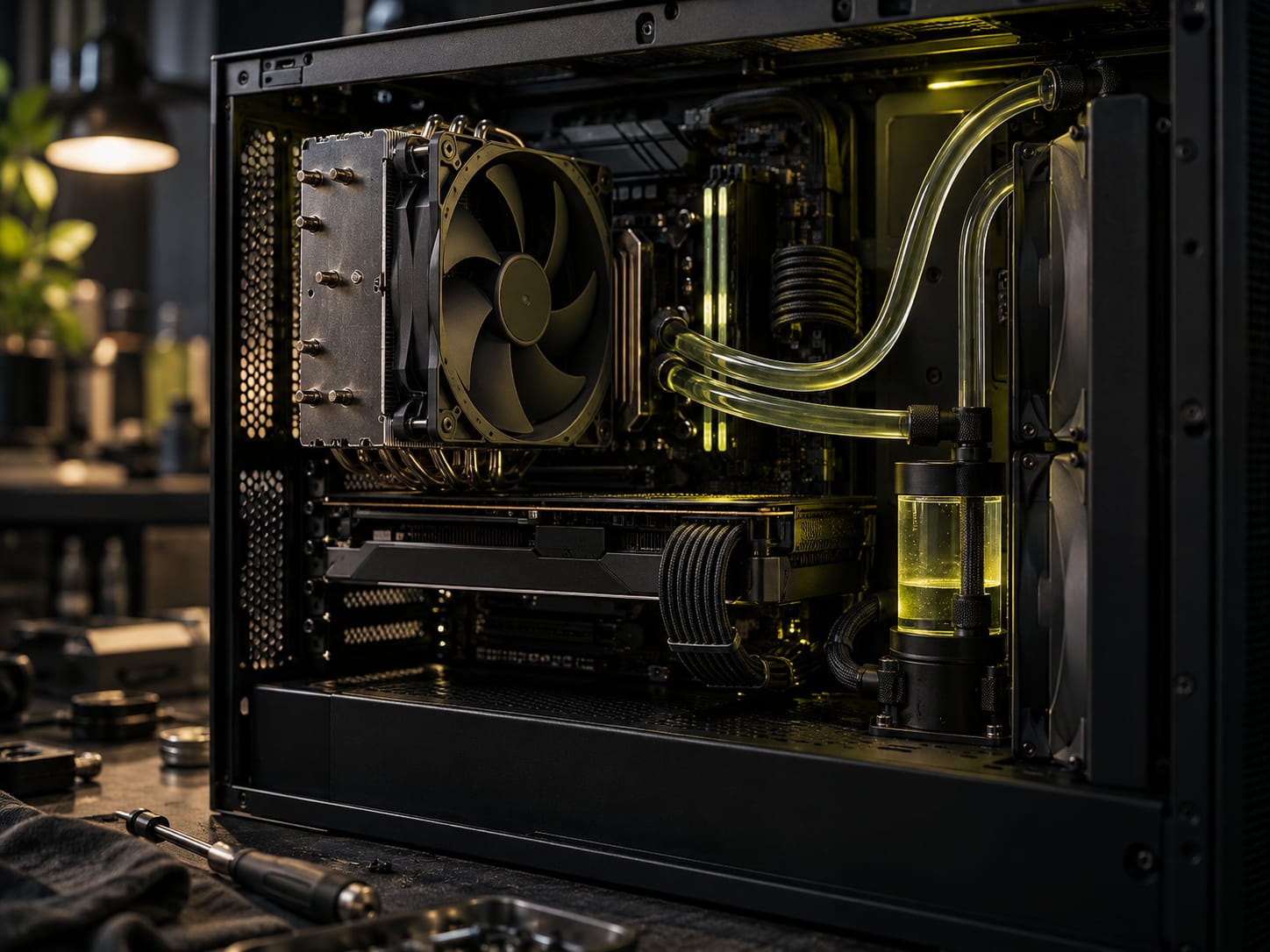
Building a PC: Air vs Liquid Cooling
Liquid cooling is no longer an exotic hobby, and a good air cooler is no longer a compromise. The right choice depends less on the parts than on how the PC is used.
[T] The bench
Cooling, under load
What happens to CPU temperature when a long session starts, with air and with liquid.
The first minutes mislead
An air cooler reacts at once. Its heatsink holds little heat, so the temperature jumps as soon as the load arrives and reaches its ceiling within a few minutes. What a test shows after five minutes is what the PC will do after an hour.
Liquid behaves differently. The coolant soaks up heat before it passes it on, so the temperature climbs slowly and a 10 to 20 minute benchmark reads it early, while it is still rising. Judge a liquid cooler on a session of an hour or more.
The same goes for numbers quoted in reviews and forum threads. A liquid cooler temperature without the length of the test behind it says little, so check how long the load ran before comparing two results.
Full guide: air vs liquid cooling
How air moves through a case
Air vs liquid cooling
| Question | Air | Liquid |
|---|---|---|
| How heat leaves | Fans push case air across heatsink fins. The air inside the case sets the limit. | Coolant carries heat from a block on the CPU to a radiator. By mass, water holds about four times as much heat as air. |
| Noise | Rises with fan speed. Larger 120mm or 140mm fans and proper fan curves keep it down. | Radiator fans can spin slowly. A well-sized AIO idles almost silently. |
| Under long load | Temperatures jump as soon as load arrives, so the ceiling shows within minutes. | Temperatures climb slowly. A 10 to 20 minute test flatters it; real numbers take longer to appear. |
| What it cools | The same airflow also cools the VRMs, memory and drives. | The CPU only. The rest of the board still needs case fans. |
| Cost and upkeep | Inexpensive and simple. A dead fan is visible at a glance. | An AIO installs like a big heatsink. A custom loop takes skill and regular maintenance. |
| Best for | Everyday use, most gaming, streaming and a first overclock with a good tower cooler. | Heavy overclocking, a near-silent PC, or a showpiece build. |
[T] Background
Planning a build around heat
Where the heat comes from
Almost every watt a PC draws from the wall ends up as heat inside the case. In a gaming build, two parts produce most of it: the graphics card and the CPU. Under load a mid-range graphics card often draws more power than the processor, and it sheds that heat into the case rather than straight out of it, which is why a build that runs cool on the desktop can climb quickly once a demanding game starts.
The case has one job here: carry that heat away faster than the parts produce it. Every choice that follows, from the case itself to the fans and the cooler, is a way of doing that job with less noise and less dust.
Choosing a case
The front panel decides most of it. A mesh front lets intake fans pull air in freely; a solid glass or plastic front forces air through narrow side vents, and the same fans then move less air while making more noise. Fan mounts matter too. Larger fans, 140 mm instead of 120 mm, move the same amount of air at lower speeds, and lower speeds are quieter.
Dust filters belong on every intake. They are the reason pressure matters: whichever way the balance tips, filtered openings are where clean air should enter, and unfiltered gaps are where dust gets in.
Fans and noise
Fans do not need to run at full speed all the time. Most motherboards let each fan follow a curve, slow when temperatures are low and faster as they rise, set in the BIOS or in the board maker's software. A gentle curve keeps an idle PC almost silent and saves the noise for the moments when the heat is real.
A sudden jump in fan speed every few seconds usually means the curve is too steep around the normal operating temperature. Flattening it there, or adding a short delay, stops the constant rise and fall that makes a PC sound busier than it is.
Checking the result
The only reliable test is a long, heavy load. An hour of a demanding game, with temperatures logged by a monitoring tool, shows what a build actually does, where a short benchmark can finish before the case has warmed up. Temperatures that settle and stay flat mean the airflow keeps up; temperatures that keep creeping upward mean it does not.
After that, the work is maintenance. Clean the filters every few months, check that cables have not drifted in front of a fan, and replace the CPU's thermal paste when temperatures rise over the years for no other reason. A build that stays clean keeps the temperatures it had on the first day.
The index
- [02]
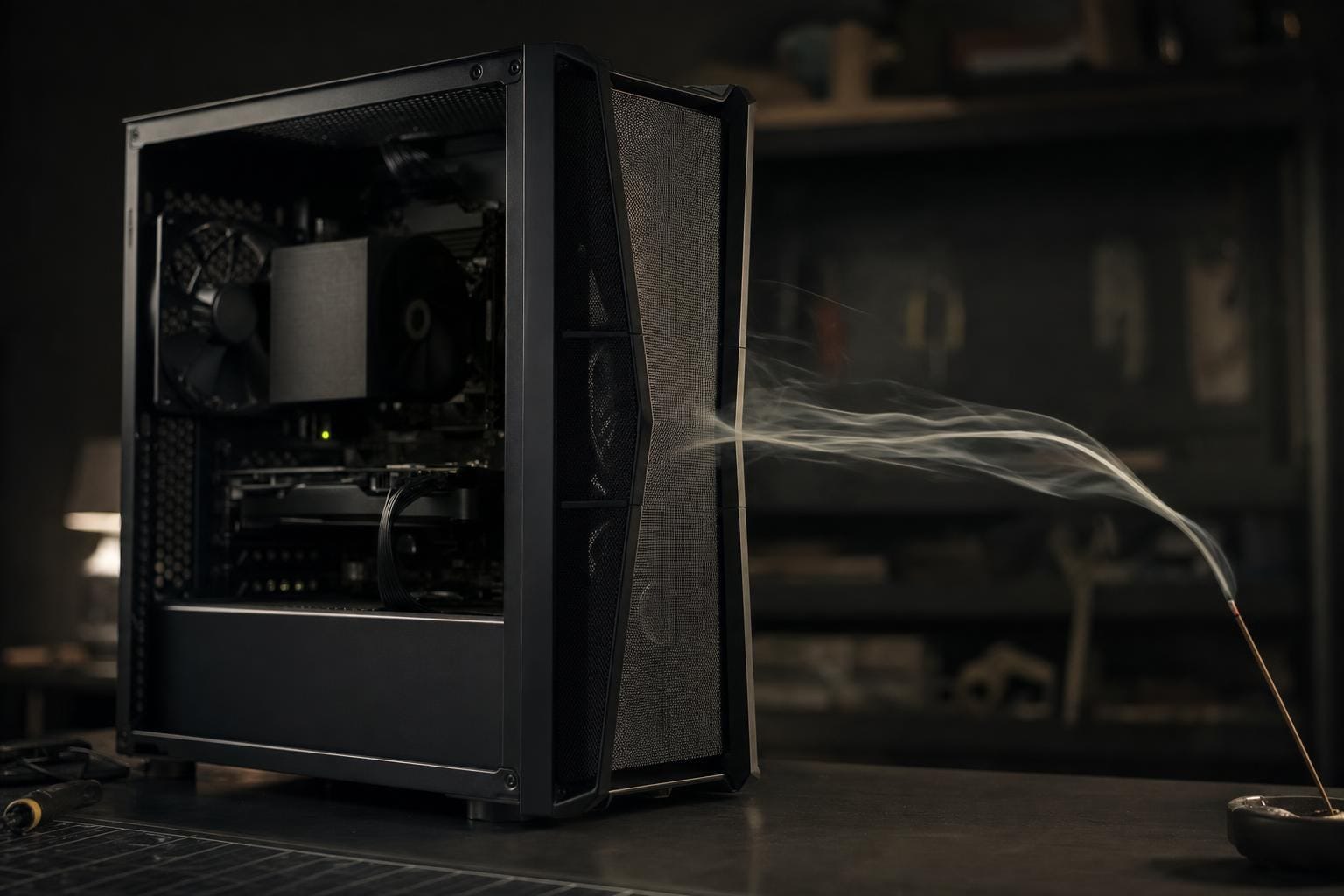
Positive vs Negative Air Pressure in a PC: Airflow and Dust
Every case fan either pulls air in or pushes it out. The balance between the two decides how cool a PC runs and, less obviously, how much dust it swallows.
[T] Questions
Questions readers ask
Which Tech Talk should be read first?
Positive vs negative air pressure comes first, because it explains how air moves through a case. The cooling guide builds on it by comparing what happens when that air, or a liquid loop, has to carry heat away from the CPU.
Do the guides still apply to current hardware?
Yes. They explain physics, not product lines: how fans move air, how heat soaks into coolant, where dust gets in. Part names and prices change; those principles do not.
Are the Tech Talks only for gaming PCs?
They are written with gaming builds in mind, but case airflow and CPU cooling work the same way in a workstation or a home office PC.